
A typo in a questionnaire is cheap to fix before launch and expensive afterwards: it goes out to thousands of respondents, it lands in the data export, and in a multi-country study it is usually noticed by the client in the one market nobody on the team reads. SurveyTester checks the spelling of every page it tests, in the language of the test run, and reports each suspicious word as a finding with the position on the page and a suggested correction. The check is one of the Auto-Detect checks and runs without anybody having to start it.
Why spelling is hard to check in a survey
- The text is not in one place. A questionnaire lives in the survey platform as hundreds of labels: question texts, answer options, grid rows, instructions, error messages. There is no document to run a word processor over, and many labels only appear on a page when a route is taken.
- Every language has to be checked separately. A translated study has the same hundreds of labels per language, and the proofreader for market twelve is rarely in the room.
- Survey text is full of words a dictionary does not know. Brand names, product names and the client's own terminology look like typos to a spell checker. Without a way to teach it those words, the real typos drown in false alarms.
- The texts change until the last minute. A corrected label can be broken again by the next edit, so the check has to repeat on every test, not once at the end.
How it works
When a test run opens a page - whether a tester clicks through the survey or a SurveyBot does - SurveyTester reads the page structure and sends its visible texts to the spell check. The check is queued and runs in the background, so the test itself is not slowed down. The result appears a few seconds later in the findings of the test run.
What is checked
Every text a respondent can read on the page:
- the page title and banners,
- question texts and interviewer instructions,
- answer options (categories) and grid rows (attributes), including nested grids,
- error messages shown by the survey.
Quoted fragments inside error messages are left out, because they usually repeat the value a tester typed ("The value 'asdf' is not valid") and would otherwise be reported as typos.
The language of the check
The spell check uses the language of the test run. SurveyTester takes it from the project's language setup
- every test run belongs to one project language - and passes it to the spell checker, so a page tested in French is checked against the French dictionary and the same page tested in German against the German one. A missing or wrong language setup is the most common reason for useless spelling findings: a German page checked as English reports almost every word. See Adding Multiple Languages for the setup.
The dictionary behind it
The check is powered by a LanguageTool server that SurveyTester operates itself. Survey texts are sent to that server only, not to a public spell-check service. SurveyTester asks for the spelling rules alone; grammar and style rules are not applied, because they produce far more opinions than facts on the short labels of a questionnaire.
What is deliberately left out
Four kinds of words never become spelling findings:
- Words in your Company Dictionary. A brand entry is accepted in every language; a corrected word is accepted in the languages it was registered for. See Company Dictionary.
- Passages in a different language. A text that is clearly not in the language of the test run - an untranslated English intro in a German run, for example - is not spell-checked word by word. It is reported once by the Wrong Language Parts check instead.
- Placeholder text from SurveyBots. Bots answer open questions with filler text, and surveys often pipe those answers into later pages. The filler is recognised and skipped so that it does not flood the findings.
- Pages already checked. When the same page with the same texts is tested again in the same language, the earlier result is reused. A changed label or a different language triggers a fresh check.
Reading a spelling finding
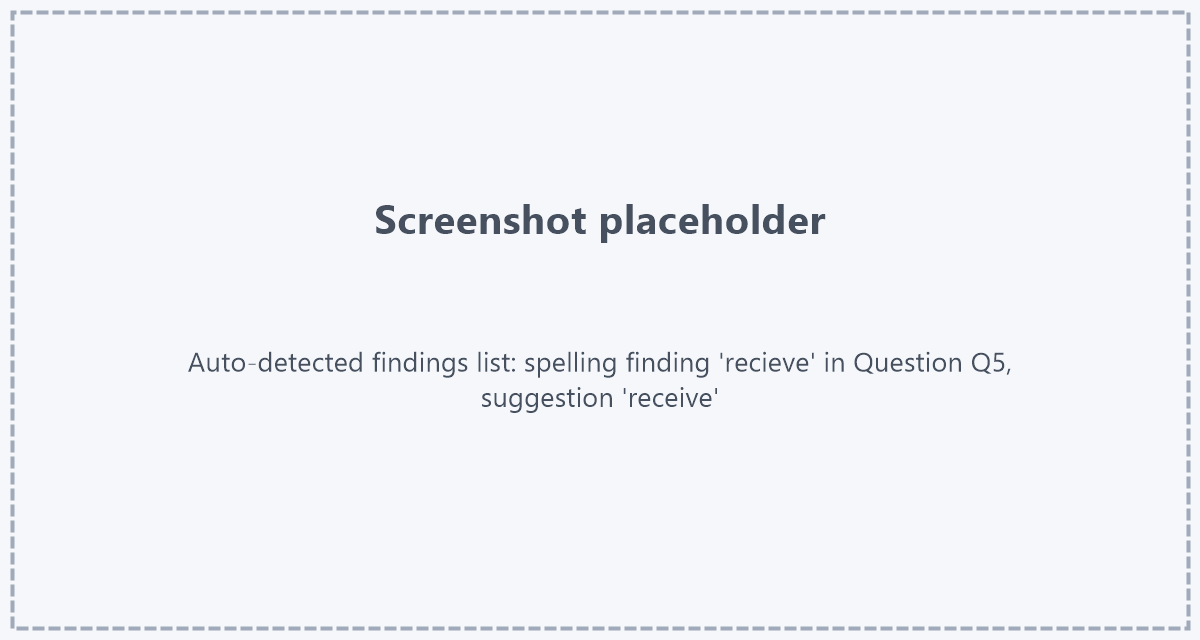
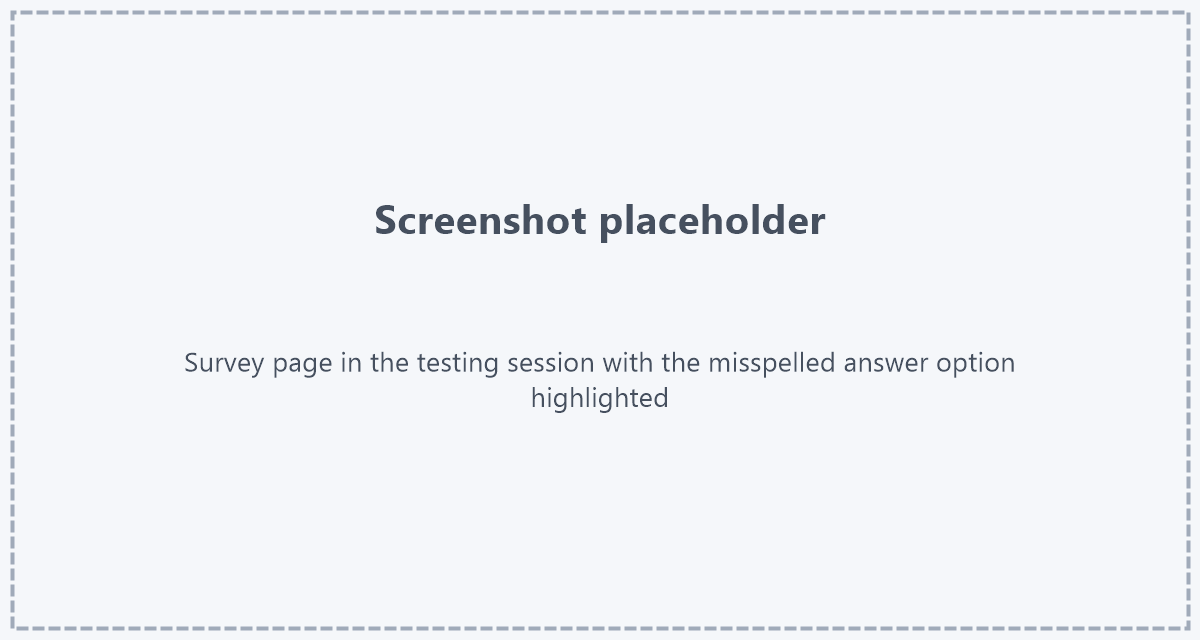
A spelling finding names the word, where it stands (the question, and for answer options the category or row), the suggested correction and, when the dictionary has several ideas, the full list of suggestions. In the finding list the location opens the page, and in the testing session the word is marked directly in the survey page.
Like every automatically detected finding, a spelling finding is either accepted - it becomes an issue for the survey author - or declined with a reason. The reason matters, because two of them teach the spell check:
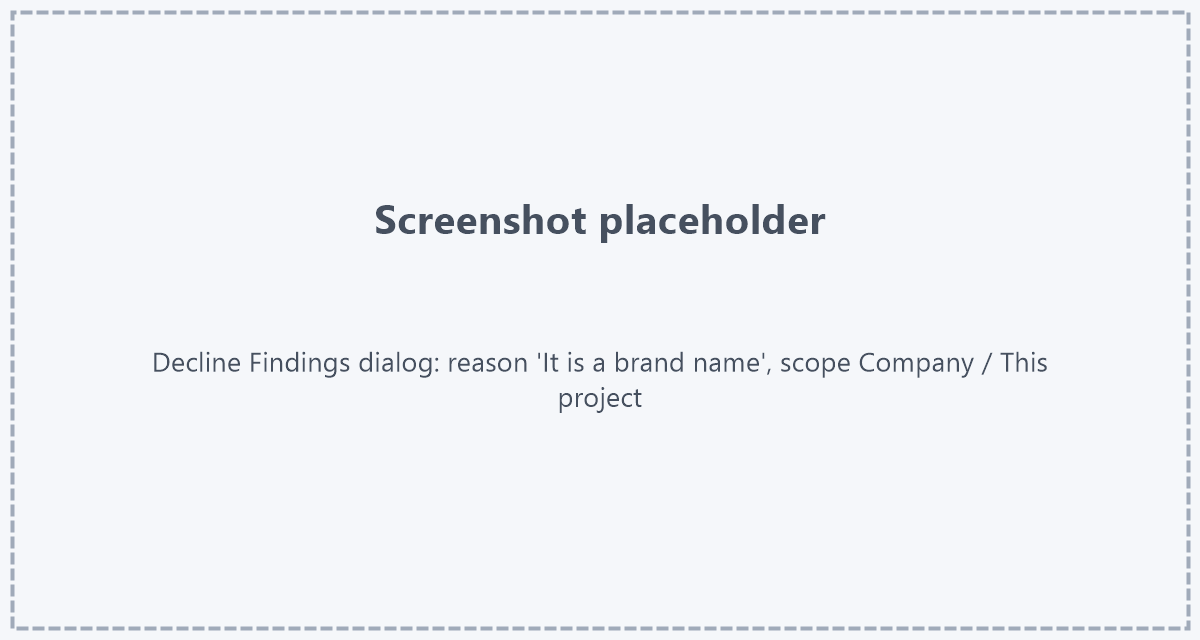
| Decline reason | What happens |
|---|---|
| It is a brand name | The word is added to the Company Dictionary as a brand and accepted in every language from now on. |
| Wrong detection | The word is correct in this language; it is added as a corrected word for the language of the test run. |
| Not an issue | The detection is right but intended in this survey; nothing is added to the dictionary. |
| Other | Free-text reason; nothing is added to the dictionary. |
For the two dictionary reasons you choose whether the word applies to this project only or to the whole company. Other open findings for the same word are withdrawn at the same time, so one decline settles a brand that appears on thirty pages.
Step by step
- Check the project's language setup: every test link must be assigned to the language the survey actually shows. A survey in several languages needs one project language per language.
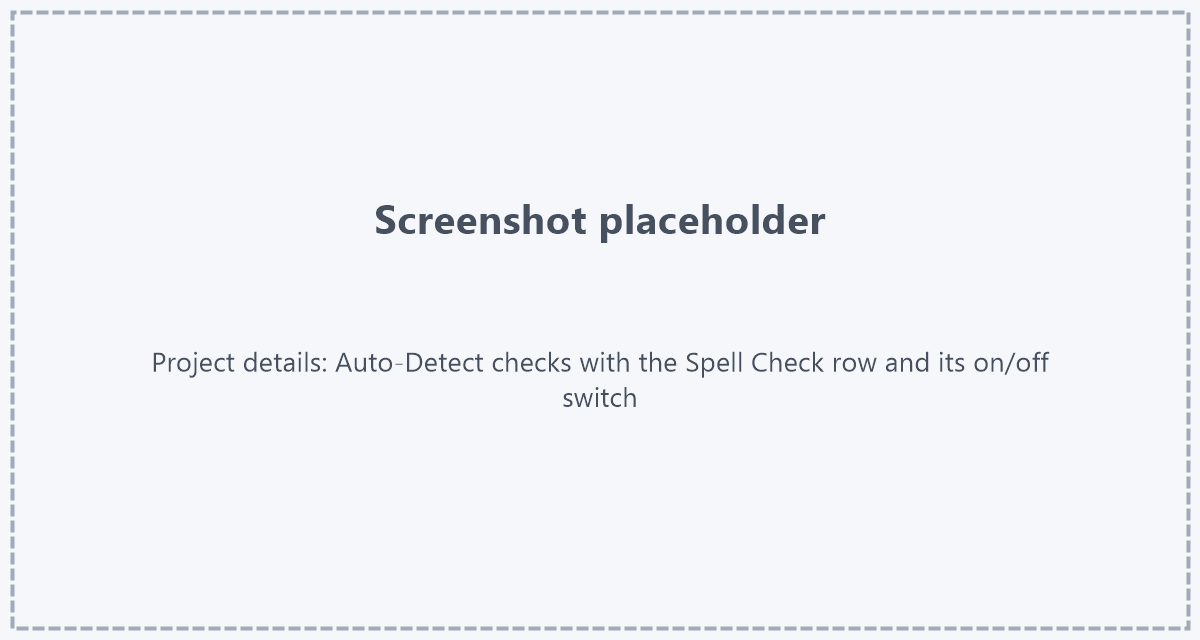
- Make sure the Spell Check is enabled. It is on by default for the company and can be switched per project type or project, see Auto-Detect Issues.
- Run the survey - a manual test or a batch of SurveyBots. Bots reach the routes a single tester would miss, and every page they open is checked.
- Open the findings. Sort or filter by the Spell Check and go through the words: accept the real typos, decline brands and correct words with the matching reason.
- Hand the accepted findings to the survey author as issues. After the fix, the next test run checks the corrected page again and reports only what is still wrong.
- For a long-running client, export the Company Dictionary once the brand list is complete and reuse it: new projects of the same client start without the false alarms.
Supported languages
The language of the project decides whether a page can be checked. These are the languages the spell check knows; the code is what the project language has to carry.
| Language | Codes |
|---|---|
| Arabic | ar |
| Asturian | ast-ES |
| Belarusian | be-BY |
| Breton | br-FR |
| Catalan | ca-ES, ca-ES-balear (Balearic), ca-ES-valencia (Valencian) |
| Chinese | zh-CN (Simplified; Traditional, Hong Kong, Taiwan and Singapore codes are checked with it) |
| Crimean Tatar | crh-UA |
| Danish | da-DK |
| Dutch | nl, nl-NL, nl-BE (Belgium) |
| English | en, en-US, en-GB, en-AU, en-CA, en-NZ, en-ZA |
| Esperanto | eo |
| French | fr, fr-FR, fr-BE (Belgium), fr-CA (Canada), fr-CH (Switzerland) |
| Galician | gl-ES |
| German | de, de-DE, de-AT (Austria), de-CH (Switzerland), de-LU (Luxembourg), de-DE-x-simple-language (Simple German) |
| Greek | el-GR |
| Irish | ga-IE |
| Italian | it, it-IT |
| Japanese | ja-JP |
| Khmer | km-KH |
| Persian | fa, fa-IR |
| Polish | pl-PL |
| Portuguese | pt, pt-PT (Portugal), pt-BR (Brazil), pt-AO (Angola), pt-MZ (Mozambique) |
| Romanian | ro-RO |
| Russian | ru-RU |
| Slovak | sk-SK |
| Slovenian | sl-SI |
| Spanish | es, es-ES, es-AR (voseo) |
| Swedish | sv, sv-SE |
| Tagalog | tl-PH |
| Tamil | ta-IN |
| Ukrainian | uk-UA |
A plain two-letter code is enough for English, German, French, Spanish, Italian, Portuguese, Dutch, Polish, Russian, Japanese, Chinese, Arabic, Persian, Swedish and Danish; SurveyTester picks the main variant (en-US, de-DE, fr-FR, pt-PT and so on). Where the spelling differs between variants - British and American English, Brazilian and European Portuguese, Swiss German without ß - set the project language to the exact variant.
Languages not in the table, for example Finnish, Korean, Hungarian, Czech or Turkish, produce no spelling findings and no error: the pages of those test runs are simply not checked.
Notes
- The check reports spelling only. A wrong word that exists in the dictionary ("form" instead of "from") is not found, and neither are grammar or punctuation mistakes.
- Every finding is a suggestion, not a verdict. A dictionary cannot know the client's product names; the decline reasons exist so that the second project of the same client is quieter than the first.
- Spelling findings have the severity Warning. The project plan rule "No spelling errors" turns green once no spelling finding is open for the project.
- Proper names of people and places are a grey area of every dictionary: common ones are known, rare ones are reported. Decline them as corrected words rather than brands, so they stay limited to their language.
Key takeaway
Nobody proofreads four hundred labels in nine languages by hand before every launch. SurveyTester does it on every page of every test run, in the language of that run, and every word you teach it once stays learned for the whole company.