
You control most of your personal details in SurveyTester yourself. Open your account page and edit what you need.
Open My Account
-
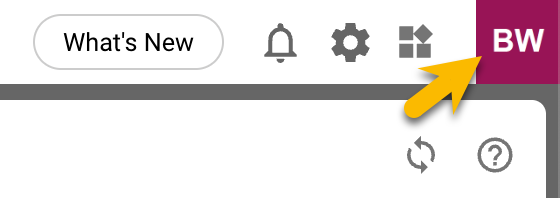
Click your profile picture or initials in the top right corner to open the profile menu.
-
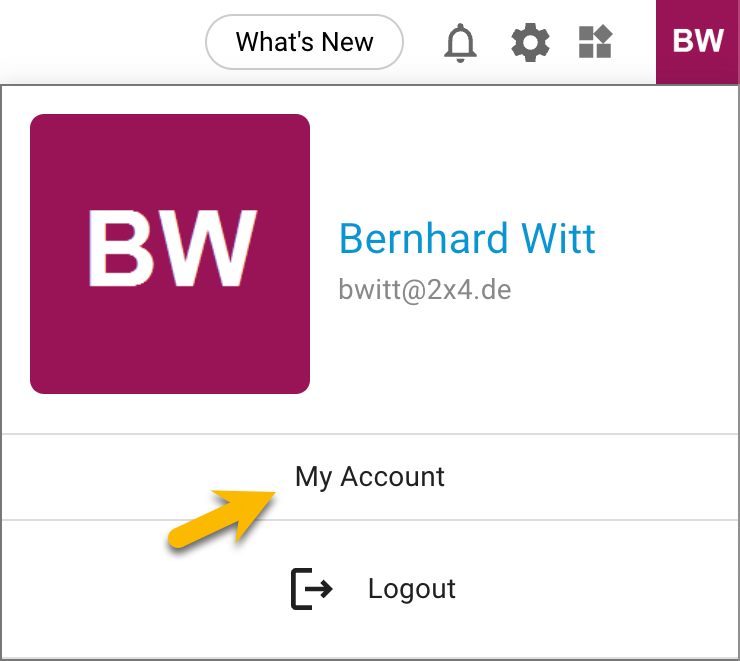
Click My Account.
Edit your personal details
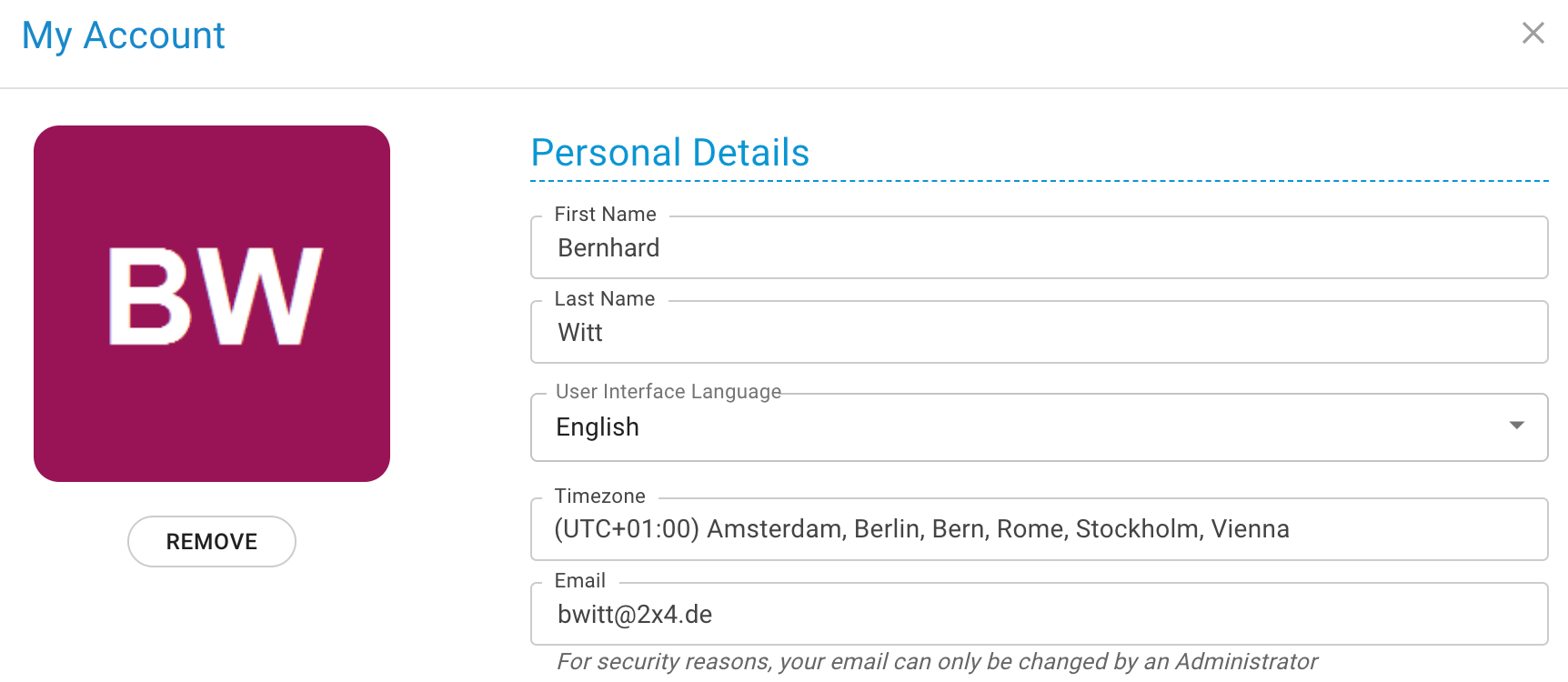
On the Personal Details tab you can change your name, your display language and your timezone.
Tip
Timezone. Select the timezone you want to work in. It does not have to match your physical location. All dates and times in SurveyTester are shown in your selected timezone, so other users may see them differently based on their own settings.
Frequently asked questions
Can I change my email address?
No. For security reasons you cannot change your own email address. Ask one of your SurveyTester administrators to change it for you.