
SoSci Survey is a dedicated survey system in SurveyTester. A project set to SoSci Survey (or to Automatic) recognises a SoSci Survey questionnaire the moment the browser extension opens it: the welcome page, every page with its questions, answer options, grid rows, sliders and text fields, and the goodbye page at the end. From there everything else in SurveyTester works as usual - Auto Answer, Auto Complete, SurveyBots, test cases, issues and the Pages & Routing overview.
What a SoSci Survey questionnaire looks like to a tester
SoSci Survey is widely used in universities and academic research. A questionnaire runs at
https://www.soscisurvey.de/<project>/ (or on a university's own installation). Every page is a classic web page:
the respondent answers, clicks Next (in German questionnaires Weiter) and the server sends the next page.
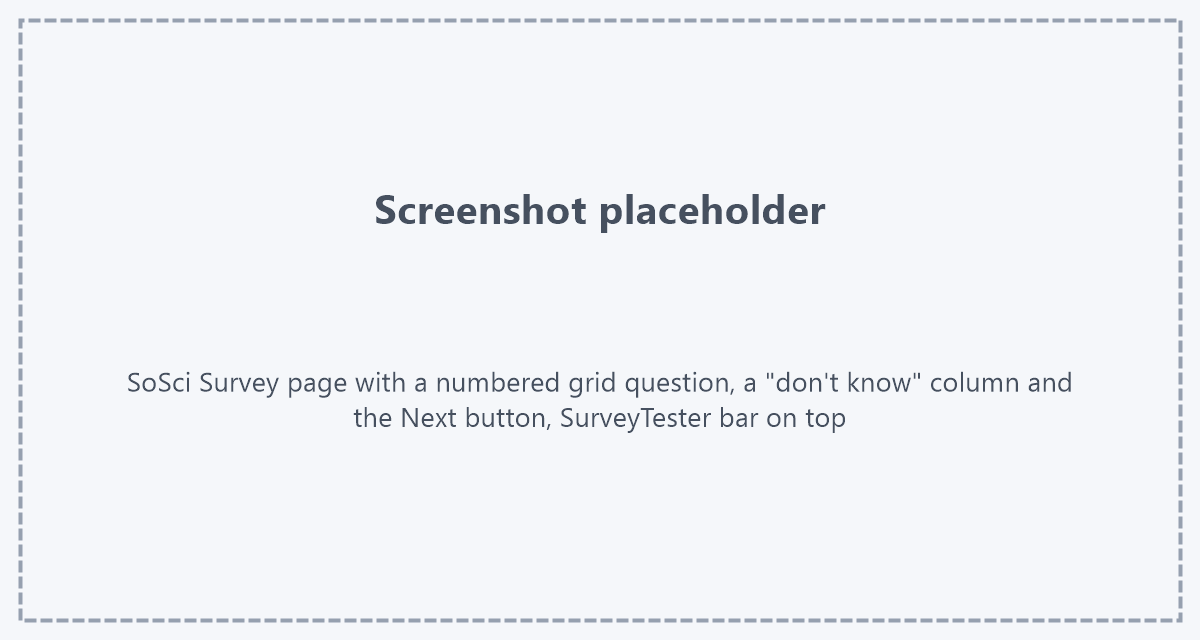
Most pages show a progress bar and a Back button. The questions are numbered blocks; many of them are grids with a
scale above the columns.
Why this is hard to test without SurveyTester
- Long academic questionnaires. SoSci studies often have twenty or more pages with large grids. Clicking through every page by hand after each change of the questionnaire takes a long time; SurveyTester answers and records every page for you.
- Answers are optional by default. SoSci Survey accepts an empty page unless the author asks for an answer, and some questionnaires send the respondent back to an earlier page without a message when an answer they depend on is missing. SurveyTester records every step, so such loops are visible in the routing.
- Several kinds of scales on one page. Grids with a separate "don't know" column, semantic differentials with a left and a right pole, double grids that ask two questions per row, and sliders that only exist as a moving handle. SurveyTester reads all of them as questions with their rows and scale points.
- Other-specify fields. Typing into the text field next to an option such as "Other:" selects that option. SurveyTester knows which text field belongs to which option.
Supported question types
| SoSci Survey question type | How SurveyTester records it |
|---|---|
| Selection (single choice), vertical or horizontal | One option is chosen; picture labels are kept. |
| Multiple choice | Several options are ticked. |
| Option with "other" text field | The option and its text field are recorded together. |
| Scale (grid) | Every row is answered with one scale point; a "don't know" column is recorded as its own answer. |
| Semantic differential | Every row is a scale between its left and right pole. |
| Double grid (two questions per row) | Recorded as two questions that share the rows. |
| Text input and text area | A fitting text is typed; the unit after a field ("hours") is kept. |
| Text with "I'd rather not say" checkbox | Either the text or the checkbox is filled, never both. |
| Drop-down | One entry of the list is chosen; the "please select" entry is skipped. |
| Slider (visual analogue scale) | A position on the slider is chosen. |
Welcome page and goodbye page
- Welcome page. Pages with text only are recorded as information pages with nothing to answer.
- Goodbye page. Recorded as the last step of the run.
- End-page outcomes. Complete, screenout and quota outcomes are configured as for any other survey system, with survey end page identifiers on the project. See Survey end pages.
Step by step
- Create the project. Choose SoSci Survey as the survey system, or leave it at Automatic - the questionnaire is recognised either way. Paste the questionnaire link.
- Start a test run from the project with the SurveyTester browser extension, or let SurveyBots run the questionnaire. The SurveyTester bar appears above it, and the first page is recorded as step 1.
- Answer the questionnaire by hand, or press Auto Answer and Auto Next to let SurveyTester fill the page and move on. Each page creates the next step.
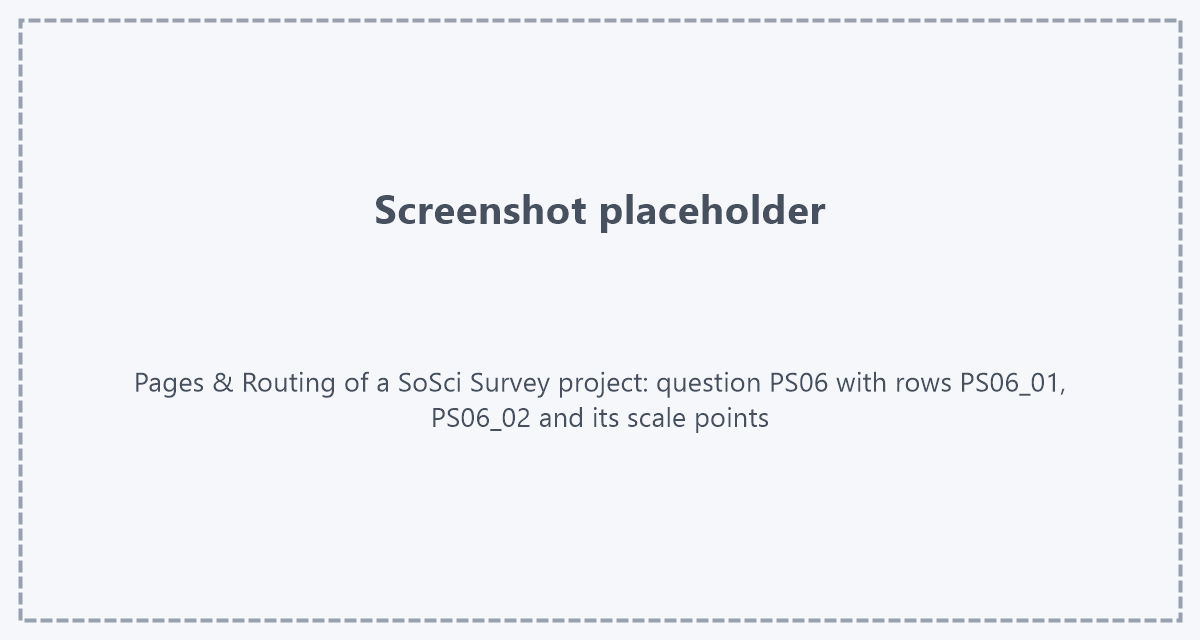
- Check the result on the Pages & Routing page: every page appears with its questions, every question with its answer options, rows and scale points.
Good to know
- Question names. SurveyTester uses the SoSci variable names: a question is named by its SoSci question ID
(
PS04), grid rows and items by their variable (PS06_01), and the answer values are the codes defined in SoSci Survey. The names therefore match your SoSci data export. - Support is new. SoSci Survey support was built on SoSci's public demo questionnaire. Question types the demo does not contain (for example rankings or drag and drop) are shown on the page but may not be answered automatically yet. If you find a page that SurveyTester does not read correctly, please send it to us.