
1. Filter Issues by Milestone
Filtering issues by milestone allows you to view:
- Total issues raised during each iteration
- Issues resolved within each round
- Items that require follow‑up
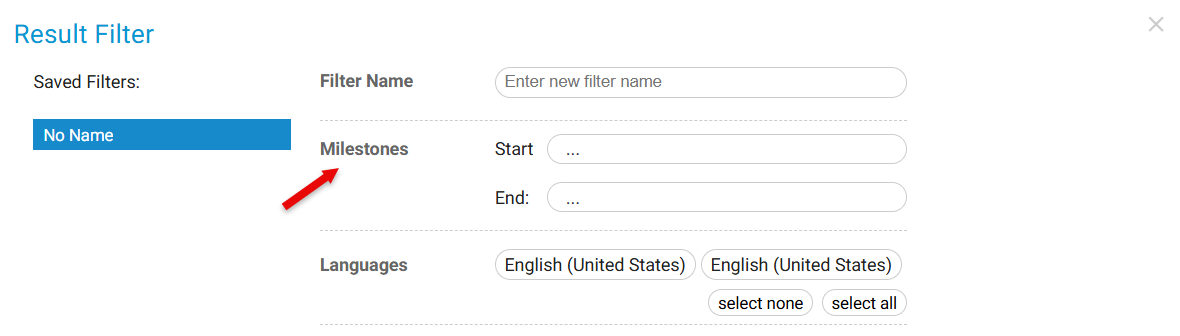
- Total issues raised in each iteration
- How many were resolved
- Which require follow-up
This helps quantify effort per testing cycle.
2. View Issues Grouped by Milestone
SurveyTester visually groups issues by milestone, making it easy to see:
- Issue volume per testing phase
- Quality improvements from early testing to final sign‑off
- Which rounds required the most effort

- Number of issues per testing cycle
- The progression of quality from early rounds to final sign‑off
- Which rounds were most effort-heavy
3. Export Screenshots by Milestone
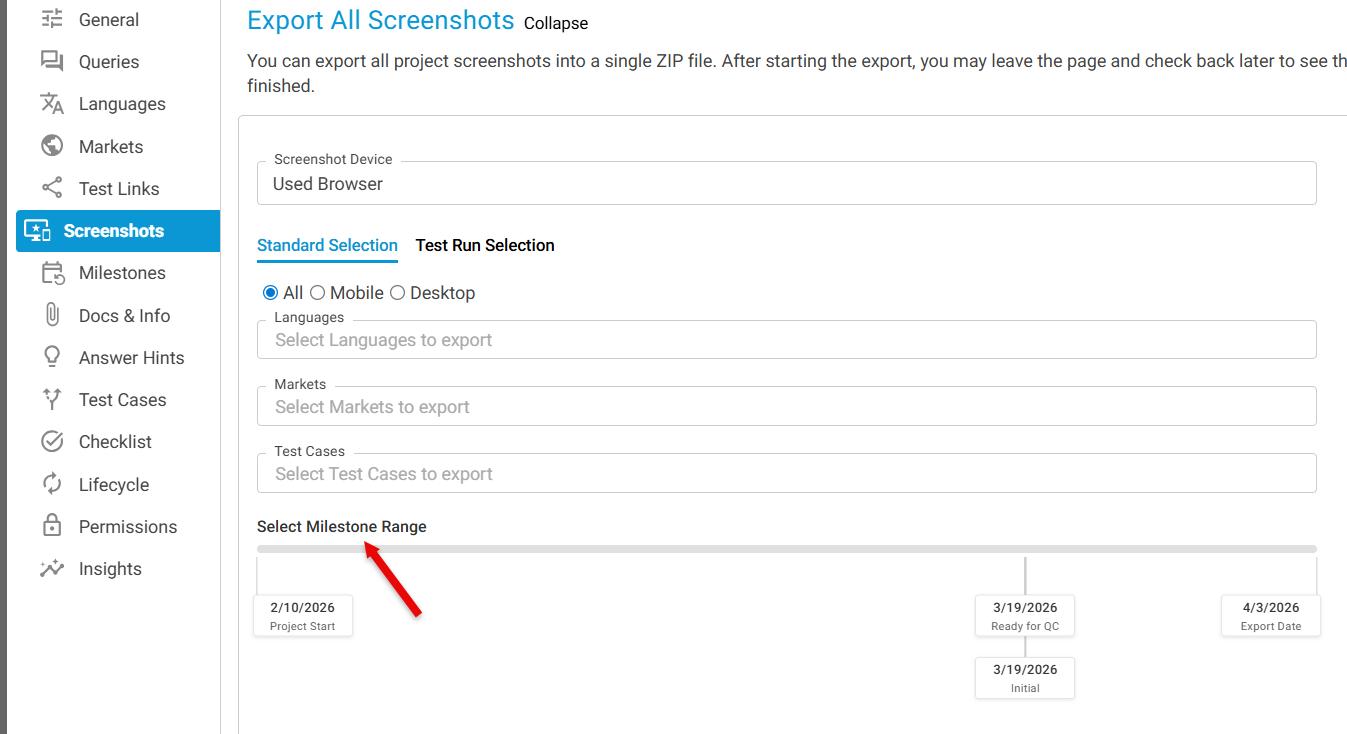
When exporting screenshots, you can choose:
- All screenshots from the project
- Screenshots associated with a specific milestone only
Note
To learn more about Project Phase & Milestone, click here.